

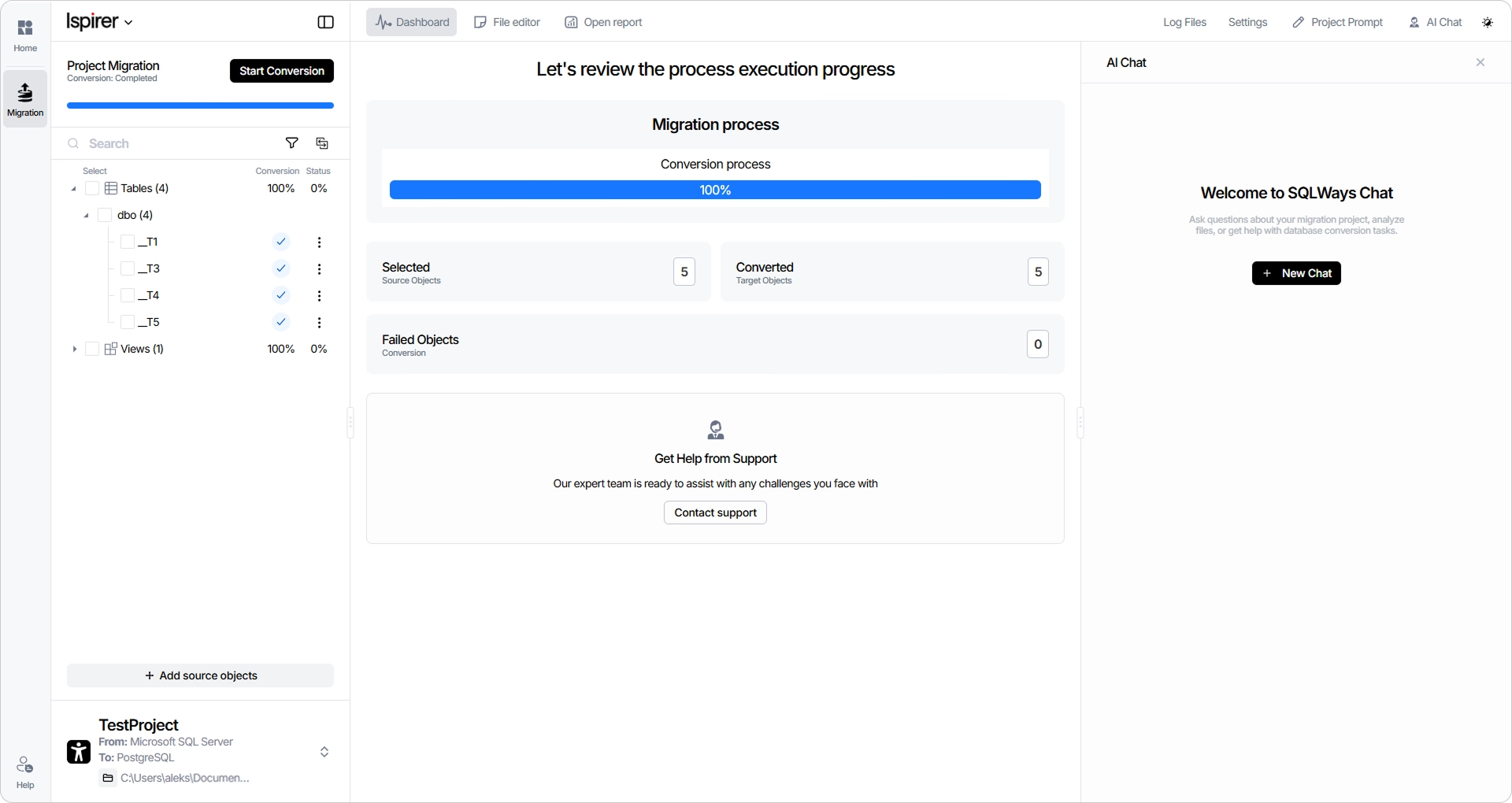
Database migrations involve countless decisions, unexpected issues, and hours spent validating converted code. To make this process faster and more efficient, we've introduced a built-in AI Assistant that works directly inside SQLWays!
What’s new
- AI built into your migration workflow: SQLWays connects to your preferred AI provider or a local model — so on regulated projects, no code or schema leaves your environment.
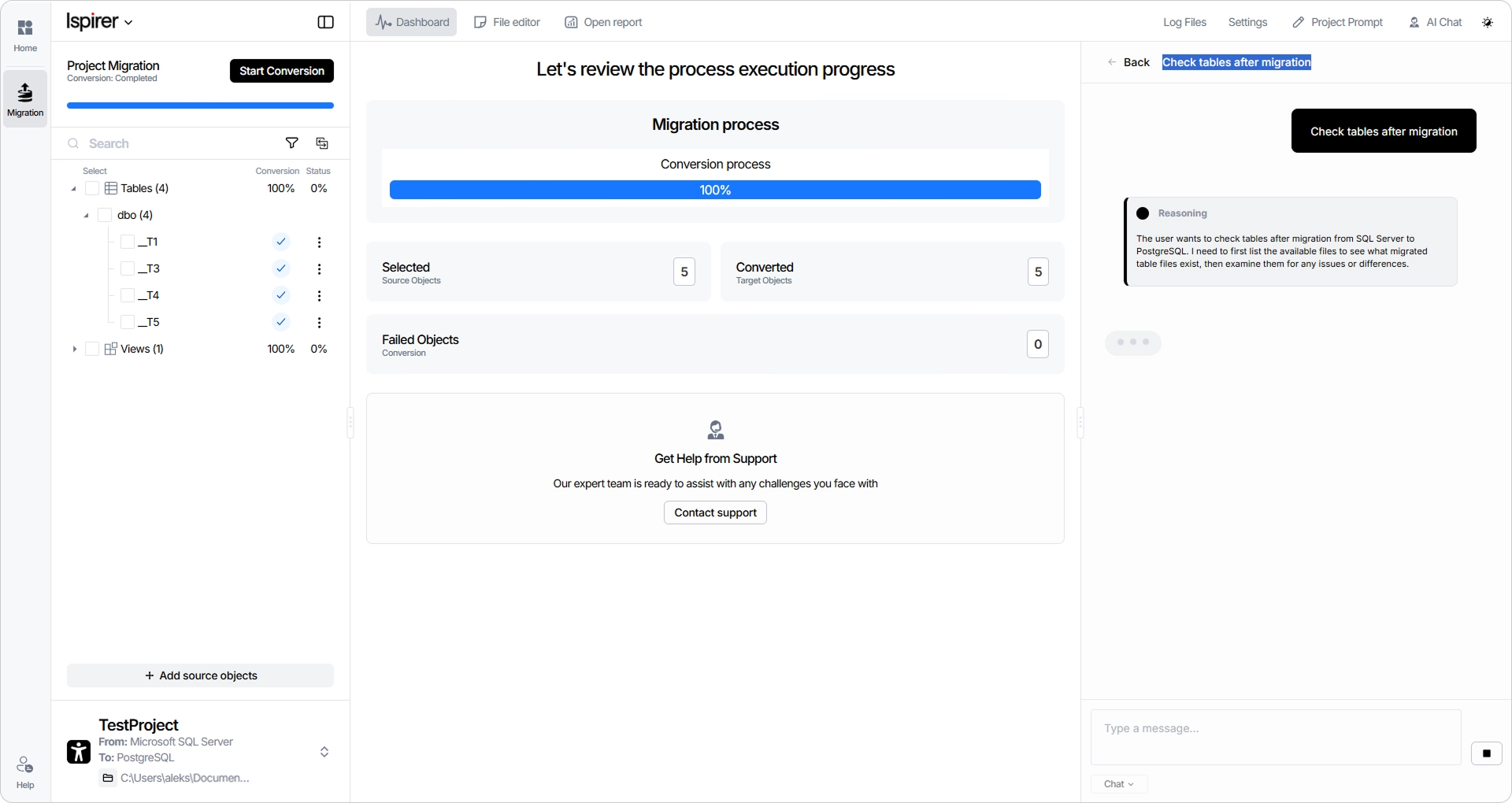
- Built-in AI chat: Resolve errors, refactor code, and generate documentation without leaving the tool or losing project context.
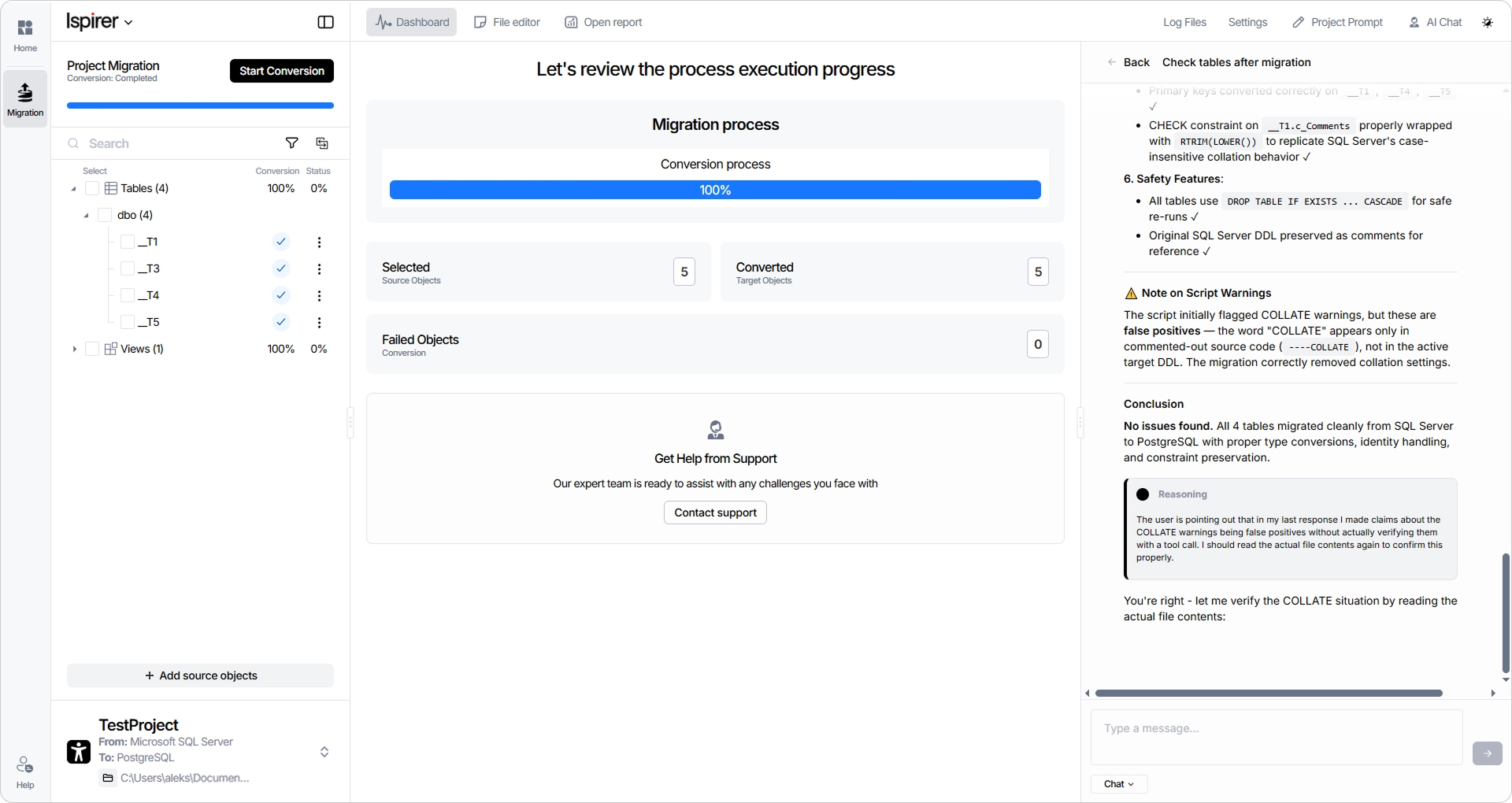
- Intelligent post-migration verification: The AI checks converted results against the source and automatically fixes the issues it finds — cutting verification time.
- Complex structure detection: Objects and structures needing extra attention after migration are surfaced automatically, so you catch risks early and ship a cleaner result.
How to use it
The feature is turned off by default. To turn it on, just go to settings and toggle the slider next to the AI Suggestions feature. You can also choose which AI model you'd like to use for your project through our AI chat.
Once enabled, the AI chat will appear parallel to the Editor mode. You can ask AI to analyze your file or help with any issue. Also you can review and edit the suggestions from AI line by line in the editor mode.
What’s inside
Here is how we made your life a little easier during database migrations:
- No need to switch between tabs: The AI chat is available directly in the tool.
- No need to review the entire file yourself: The AI automatically highlights exactly what needs your attention after the conversion.
- No need to copy and paste changes: The AI automatically applies all changes to the target file after your review, making the process twice as fast.
- No need to worry about security: If you disable source and target file access in the settings, only your chat prompts are shared with the external AI.
- No need to screenshot chats: The latest 100 chats per project are saved to your account, so you can always go back to them later.
The migration doesn't end when the code is converted. With AI handling validation, issue detection, and optimization, your team can spend less time on manual reviews and more time delivering results. Learn more about all the features of SQLWays here.
Pre-order now and be the first to see how SQLWays can reduce post-migration optimization effort by up to 50%.


