
Why Azure Migration Assessment Decides Your Budget Before the Project Does
Summary: Azure Migrate sizes servers and SQL Server instances. It doesn't count Oracle or Sybase code. An Azure migration assessment with InsightWays does — before you commit to a date.


Azure crossed a line this year. Microsoft reported that Azure revenue passed $100 billion for the first time in fiscal 2026, with Azure and other cloud services growing 43% in the June quarter alone. A lot of that money is moving databases.
The timing isn't a coincidence. SQL Server 2016 reached end of support on July 14, 2026, and Microsoft now gives teams three choices: move to Azure SQL, upgrade to SQL Server 2025, or buy Extended Security Updates as a bridge while you plan. Plenty of companies on Oracle, Sybase ASE, Informix or DB2 are looking at similar deadlines from their own vendors.
So the question stops being whether to move and becomes how much the move costs. That number doesn't come from a pricing calculator. It comes from an assessment.
What an Azure Migration Assessment Measures
An Azure migration assessment is the analysis you run on your source systems before anyone writes a line of target code. Done properly, it produces four things:
- Scope. How many tables, views, procedures, functions, triggers and packages exist, and how many lines of SQL sit inside them. Not an estimate — a count.
- Compatibility. Which objects convert to the Azure target with no human involvement, and which ones have no equivalent and need rework. Oracle packages, Sybase-specific T-SQL, DB2 temporal tables and Informix 4GL all land differently in Azure SQL Database than they do in Azure Database for PostgreSQL.
- Integrations. Which applications, ETL flows, BI reports and scheduled jobs read from or write to the database, and what each one needs after the engine changes underneath it. This is the piece many plans skip, and it's the piece that breaks go-live weekends.
- Effort. Days of work, split by stage, mapped to people. That's what turns into a budget.
If you want the broader version of this discipline across any target platform, our migration readiness assessment guide walks through the same logic without the Azure specifics.
Where Microsoft's Assessment Tooling Stops
Azure Migrate is free, and it's good at what it does. The service overview describes an agentless appliance that discovers servers, builds a business case with total cost of ownership, right-sizes Azure VMs from observed performance, and maps network dependencies between machines.
Read the database line closely, though. Azure Migrate assesses "on-premises SQL Server instances and databases" for a move to SQL Server on an Azure VM, Azure SQL Managed Instance, or Azure SQL Database. SQL Server. That's the database scope.
The tooling picture also shifted this year. Azure Data Studio and the Azure SQL Migration extension inside it both retired on February 28, 2026, with Microsoft pointing teams to the SQL migration experience in Azure Arc, Azure Migrate, or the DMS PowerShell and CLI path instead. The separate Database Migration Assessment for Oracle extension was retired earlier, in December 2024.
None of that is a criticism of Azure. It's a statement about scope. Microsoft's assessment tooling answers infrastructure questions: what servers you have, what they cost in Azure, how big the target should be. It doesn't read 400,000 lines of Oracle PL/SQL and tell you how many of them a converter can handle.
Counting the Code, Not the Servers
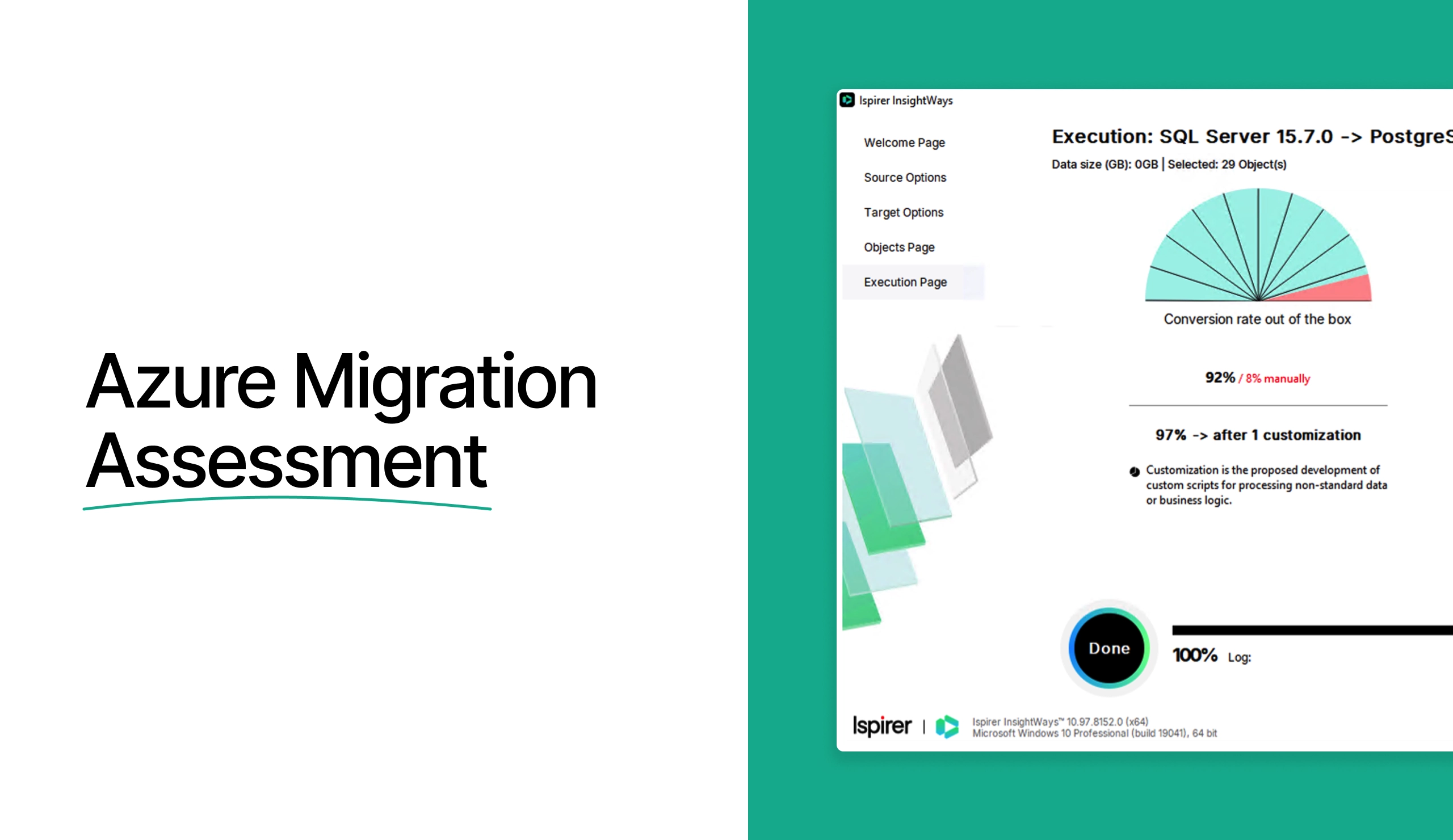
That's the gap InsightWays was built for. It connects to the source over ODBC, or reads SQL script files straight off disk, and returns a report on table counts, data volume, object counts by type, and lines of code inside each object type. It's free with no payment, works with read-only privileges, needs no internet connection, and leaves the source system untouched.
Run it against Oracle, Sybase ASE, DB2 on LUW or AS/400, Informix, Teradata, Progress, MySQL or PostgreSQL and you get the one number the Azure calculators can't give you: how much code is in play. Our Azure migration tool then converts between 60% and 95% of it, depending on the pair and the customizations we build for your dialect.
Pair the two sets of numbers and the estimate stops being a guess. Azure Migrate sizes the target. InsightWays sizes the work.
The Integration Audit Nobody Budgets For
Here's the pattern we see on projects that slip. Schema converts fine. Data loads fine. Then a reporting layer nobody mentioned starts returning empty result sets, because it was written against a stored procedure that no longer exists in that shape.
A full assessment inventories everything wired into the database: applications with embedded SQL, ETL and ELT pipelines, reporting and BI tools, scheduled processes, external services. For each one it records how it connects, which database features it depends on, and what has to change. Embedded SQL is its own measurement problem, which is why our assessment set includes a detector that groups SQL inside Java and C# applications by complexity before anyone commits to a date.
Where the target is an analytics platform rather than a transactional one, the dependency map matters even more — an Azure Synapse Analytics migration usually has more downstream consumers than the source warehouse team is tracking.
What You Get in the Report
Teams searching for an Azure migration assessment report sample are usually trying to find out whether the output is a slide or a plan. Ispirer’s Azure migration assessment service is a plan. A detailed assessment and planning engagement runs two to four weeks and delivers:
- A description of the project with its key metrics — object counts, code volume, data size
- A project plan with stages, dependencies, milestones and named owners
- Target compatibility analysis covering cross-engine feature gaps, plus a map of risk areas and complex code
- An audit of database integrations and the impact of the migration on each
- Effort and timeline estimates per stage, including integration rework
- Recommendations for target architecture and infrastructure
- An approved data migration strategy and a visual roadmap
- A turnkey migration proposal
What we need from you is read-only access to the source database code, a list of the systems connected to it, and answers to clarifying questions. No business data leaves your network.
A Real Number From a Real Project
A UK financial services provider came to us with Sybase ASE and a mandate to get to Azure SQL. The assessment counted 420,000 lines of SQL code. The migration ran five months with 85% of the conversion automated, and the company came out with transaction speeds three times faster and operational costs cut roughly in half.
That five-month figure existed before the project started, because the code had been counted. Assessments are what make commitments like that safe to make.
Rapid Assessment for Smaller Teams
Not every project needs a four-week engagement. If you're a startup with one database, a few hundred objects and a deadline, a rapid Azure migration assessment is the right size: run InsightWays yourself, send us the report, and we'll come back with a scope and a price. Teams moving straight to Azure SQL Database migration from a single source often get there in a conversation plus a day of analysis.
Larger estates earn the longer version. The deciding factor isn't company size — it's how many systems touch the database.
Where to Start
Download InsightWays and point it at your source. You'll have object counts and code volume the same day, free, without granting write access to anything. Bring that report to a 30-minute demo and we'll tell you what converts automatically, what needs an expert, and what the whole thing costs.
Measured numbers beat confident ones. That's the entire argument for assessing first.
Frequently Asked Questions
What is an Azure migration assessment, and how does it kick off the cloud journey?
It counts what you have before anyone converts anything: objects, lines of code, data volume, integrations, and the constructs with no Azure equivalent. That gives you a scope, a timeline and a price to approve. Every later stage gets planned against those numbers.
How does the Azure Migrate tool discover on-premises infrastructure and database footprints?
A lightweight appliance collects configuration and performance data agentlessly, with nothing installed on your servers, and finds SQL Server instances using read-only credentials. It covers SQL Server. For Oracle, Sybase, Informix, DB2 or Teradata you need a tool that parses those dialects.
What was the Azure SQL Migration extension, and what replaced it?
An Azure Data Studio extension that ran readiness checks and SKU recommendations for SQL Server moving to Azure SQL. Both it and Azure Data Studio retired on February 28, 2026. Microsoft now points to Azure Arc, Azure Migrate or DMS via PowerShell and CLI.
How does Azure Migrate estimate total cost of ownership and monthly Azure consumption?
Its business case compares on-premises cost against Azure and sizes targets from observed load rather than provisioned capacity. That tells you what Azure costs to run. It doesn't tell you what the migration costs to perform — that comes from code volume and conversion rates.
Assess Your Migration Readiness!
Table Of Content
- What an Azure Migration Assessment Measures
- Where Microsoft's Assessment Tooling Stops
- Counting the Code, Not the Servers
- The Integration Audit Nobody Budgets For
- What You Get in the Report
- A Real Number From a Real Project
- Rapid Assessment for Smaller Teams
- Where to Start
- Frequently Asked Questions


